Exoskeleton for your Mac.
Free public alpha v1.22.5
Checks & known gapsTry MacCrab.
Interactive preview · fictional activity
High Fictional example
An agent accessed a credential file.
Claude Code zsh node
~/.aws/credentials
Access was observed. Theft is not established.
Explore MacCrab
- Alerts. Severity counts and a triage table. Each alert opens an inspector with what happened, the rule and what to do.
- Investigation. TraceGraph links a suspicious event to the process behind it, and to the AI agent when one is involved. Agent Traces lists the spans an AI agent reported; their trace ID is what ties them to kernel events.
- Forensics. 26 built-in scanners, the signed plugin catalog and two plugins installed from it. Each run collects evidence you can review and export.
- Detection. Browse the current rule library with MITRE techniques and source YAML.
- Your Mac. Explore Overview, Events, Prevention, Intelligence, System and Docs.
Interactive preview of the current v1.22.6 development build, with fictional activity. App source. Changes reset on reload; Agent Traces is shown enabled. The download above is the published v1.22.5 release.
See what’s happening, as it happens.
MacCrab reads Apple’s Endpoint Security feed, the same kernel-level events macOS gives to security tools, and turns it into readable alerts on your Mac.
AI coding tool monitoring
Claude Code, Codex, Cursor and Copilot are powerful, and sometimes they wander. MacCrab alerts on credential reads, writes outside the project, prompt injection in commands and new MCP servers. It doesn’t block.
Agent Traces
Line up what an AI agent did on your Mac with the agent’s own OpenTelemetry trace of its model and tool calls. Off until you turn it on.
Supply-chain worms
Flags Shai-Hulud-style worms when a package install reads a developer credential, then contacts a registry or GitHub’s API. Plus typosquat scoring and opt-in decoy files.
Persistence and malware
LaunchAgents and Daemons, dylib injection, quarantine-stripped payloads, kernel-cache rebuilds and TCC tampering, flagged by rules with a Sigma-compatible core.
Credential theft
Keychain dumps, Chrome and Safari password-store reads, Wi-Fi password extraction, and SSH or AWS key reads by AI tools and package installs. Honeyfiles are opt-in.
Attack campaigns
MacCrab correlates related alerts by process, ATT&CK tactic and time window. Different detectors use different thresholds to surface patterns across a multi-step intrusion.
- —execclaude/Users/
crabby/ .local/ share/ claude/ versions/ 2.1.284 - —execnodeparent claude
- —opennode/Users/
crabby/ .ssh/ id_ed25519
🦀 AI Tool Accessed SSH Private Key
maccrab.ai-guard.credential-access
What happened
node (via claude) open /Users/
A simulation with example paths. Each detection links to its current app source.
- Rules shipped
- 486
- Built-in detections
- 46
- Built-in scanners
- 26
Library counts from the v1.22.5 build record, not a measure of validated detection coverage. Only the stable tier (116 rules in v1.22.5) is on by default; experimental rules are opt-in. Read the rules or the release record.
Forensics, on demand. Choose from 26 built-in scanners or add a plugin from the signed Rave catalog. Review what it collects, run a scan, then inspect and export the evidence. Try an example scan.
Native app screenshots
Native app screenshots v1.17.6 archive · 5 workspaces
These captures show an earlier interface. For the current development build, explore the interactive preview above.
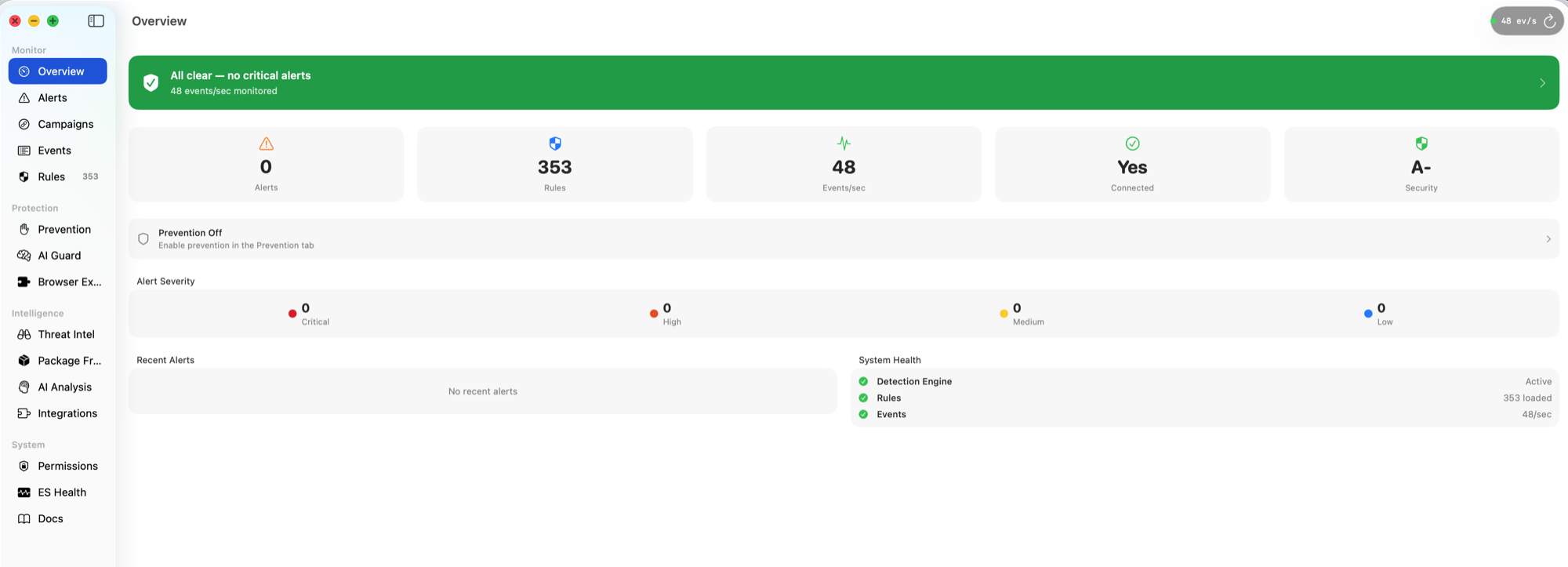
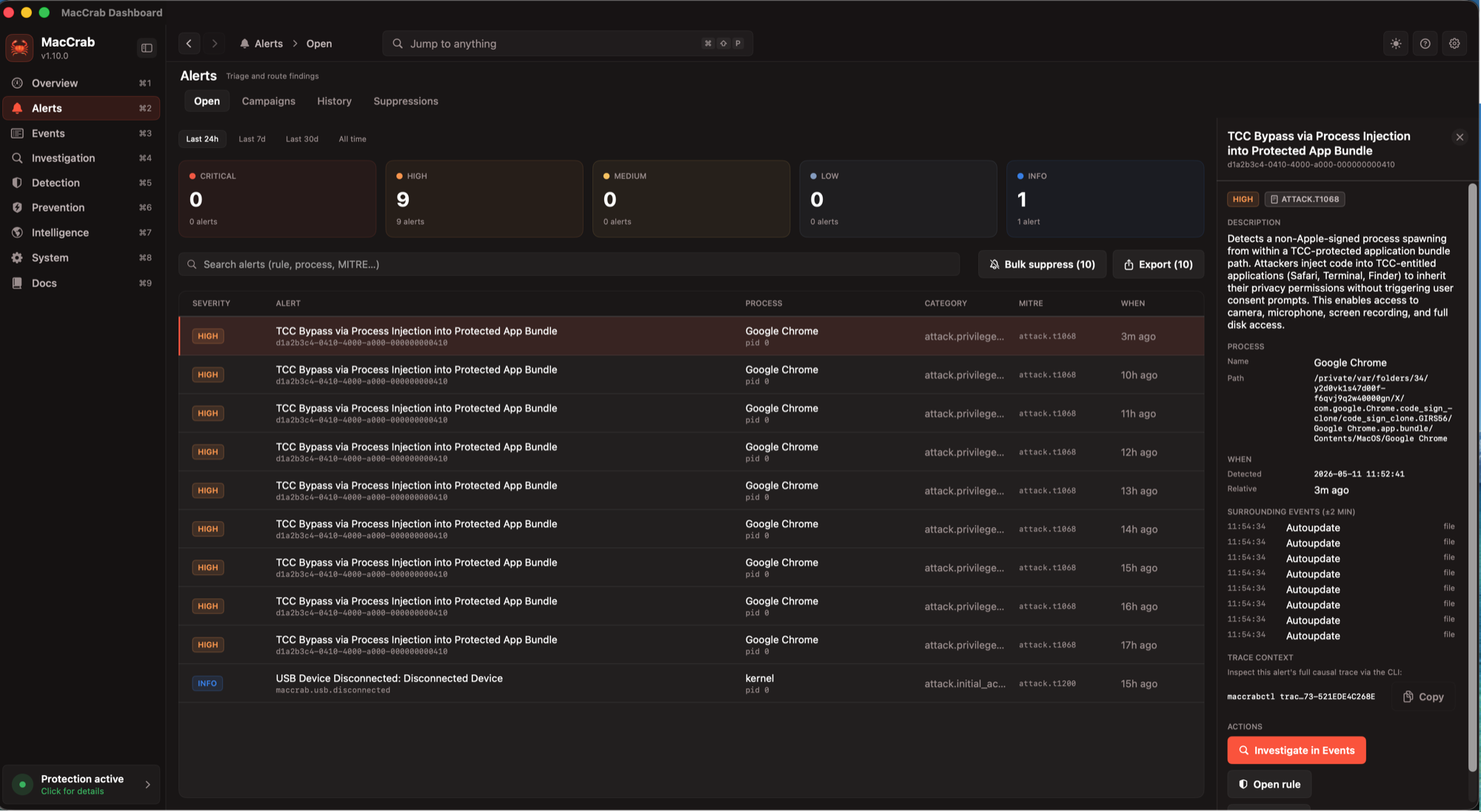
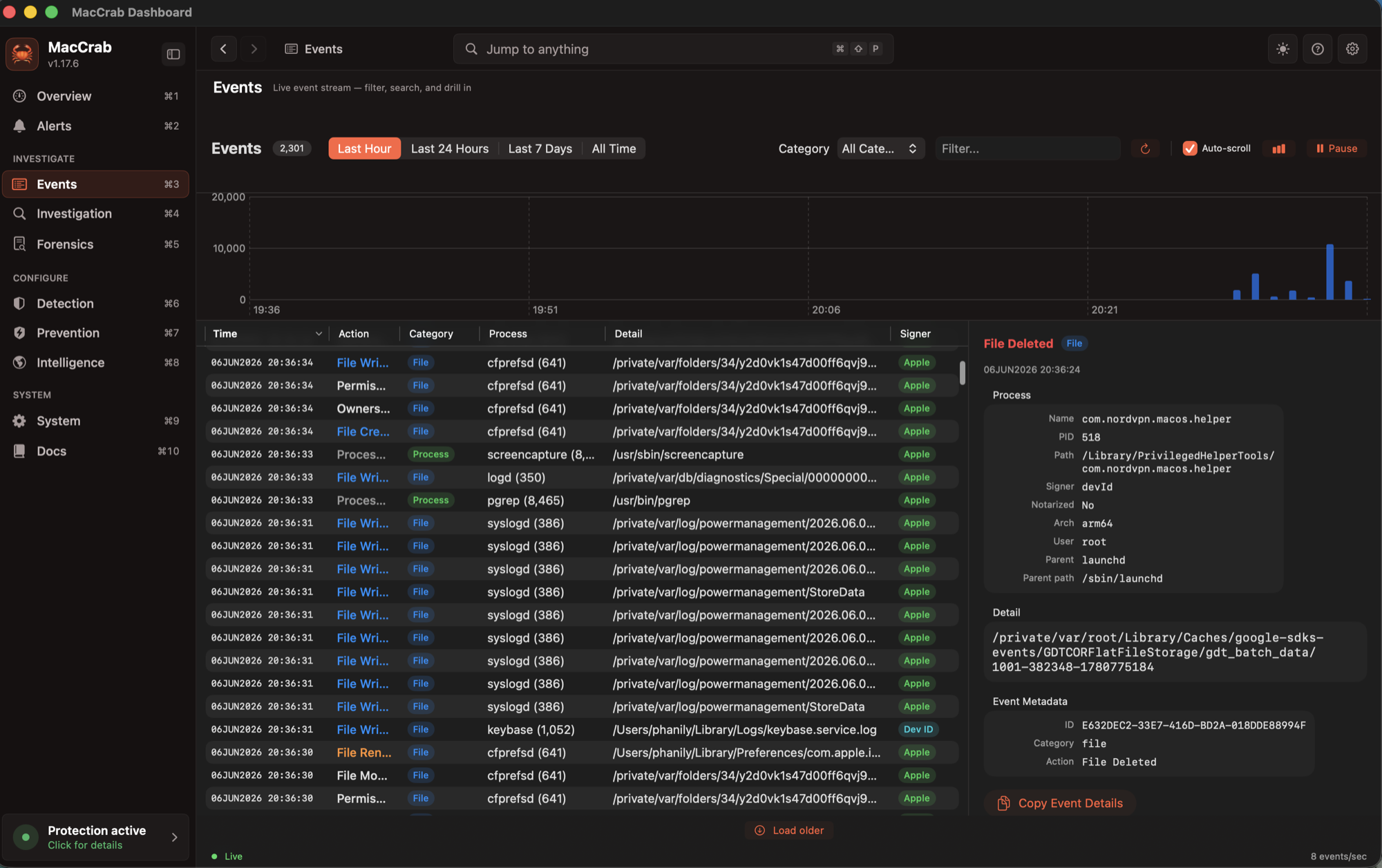
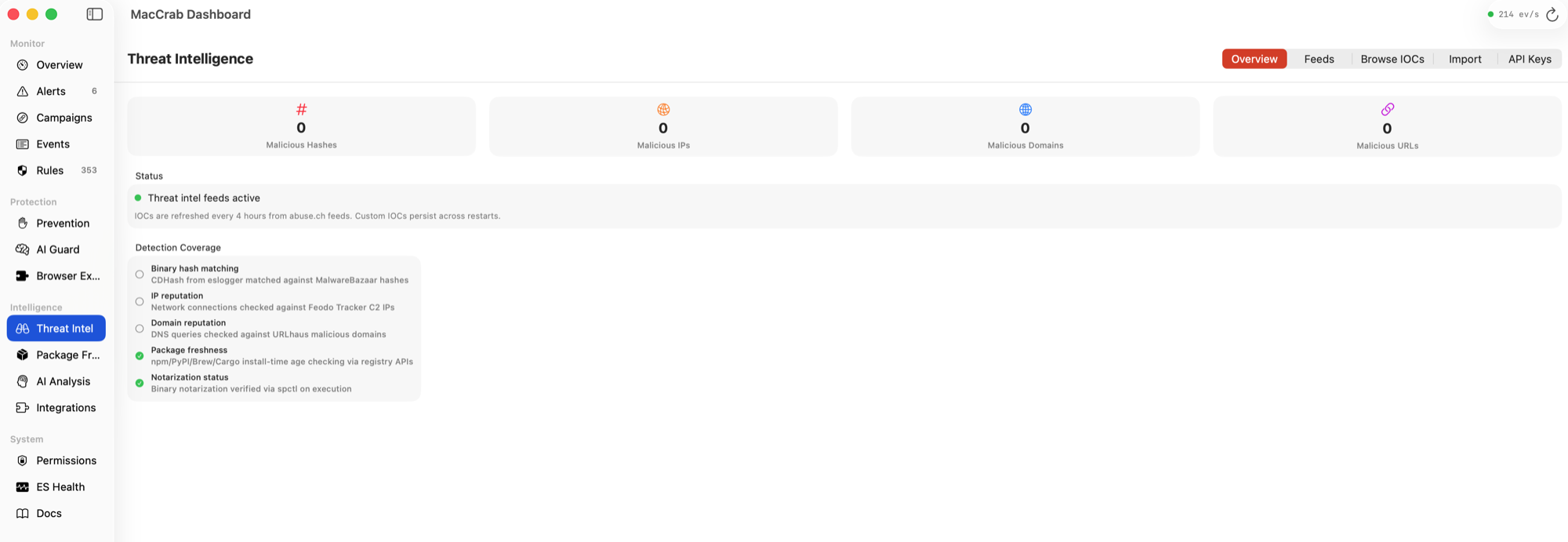
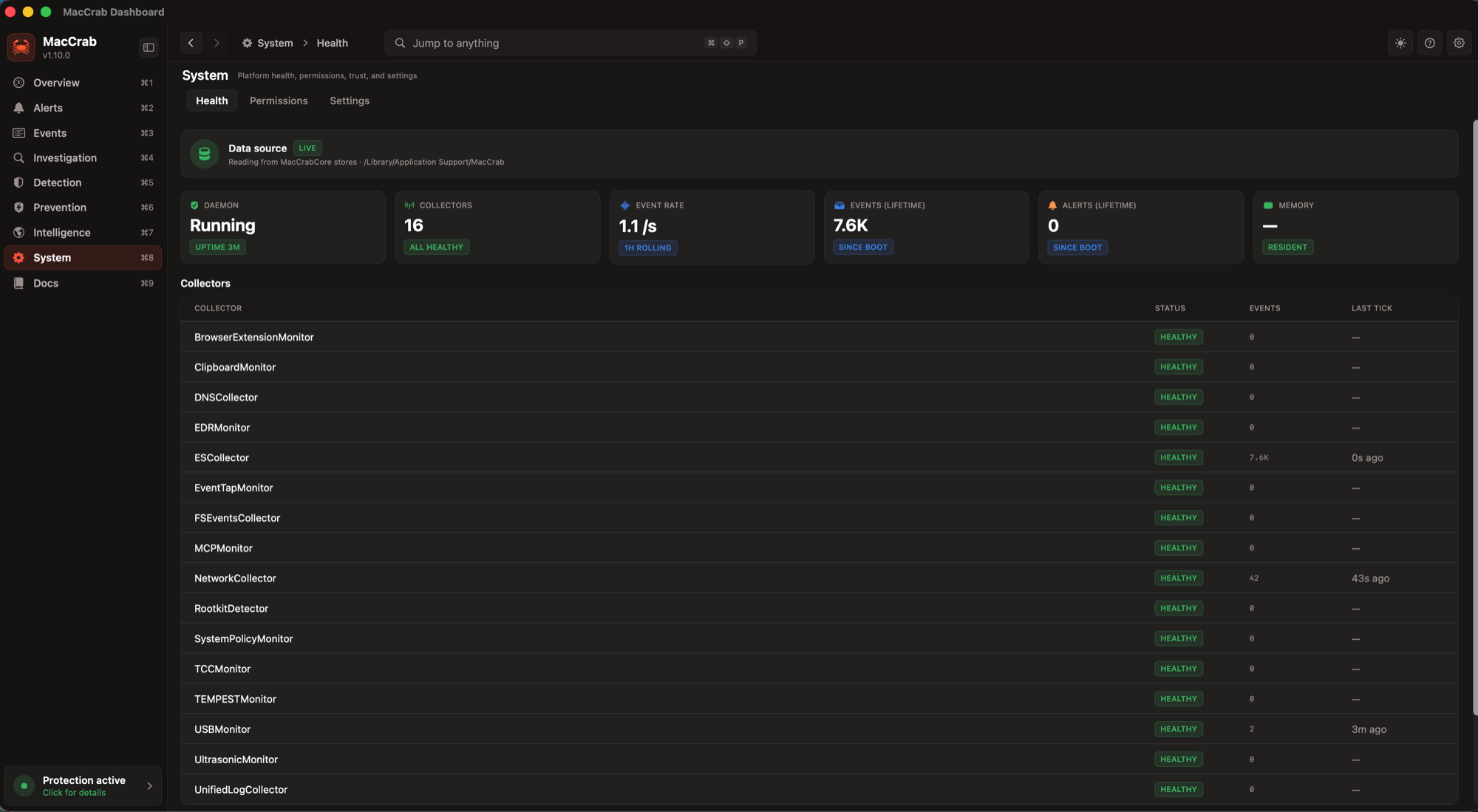
Historical screenshots from v1.17.6. Status labels and controls have changed since this release.
Prefer the terminal?
Inspect alerts, traces and scans with maccrabctl. Included with the Homebrew install.
Try the CLI preview
crabby@maccrab-mbp ~ % maccrabctl alerts
7 alert(s) — last 7
══════════════════════════════════════════════════════════════
[HIGH]     06OCT2026 2:14:12 PM Agent Read Credential Material (Traceparent-Bound)
   Process: node (/opt/homebrew/Cellar/node/24.9.0/bin/node)
   MITRE: attack.t1555,attack.t1552.001,attack.t1552.004

[MEDIUM]   06OCT2026 2:14:12 PM 🦀 AI Tool Accessed AWS Credential
   Process: node (/opt/homebrew/Cellar/node/24.9.0/bin/node)
   MITRE: attack.t1552.001

[CRITICAL] 06OCT2026 2:09:12 PM Gatekeeper Disabled via spctl
   Process: spctl (/usr/sbin/spctl)
   MITRE: attack.t1553.001

[HIGH]     06OCT2026 1:47:12 PM Unsigned binary from a download path created persistence
   Process: updater (/Users/crabby/Library/Application Support/.updater/updater)
   MITRE: T1543.001,T1547

[HIGH]     06OCT2026 1:47:12 PM LaunchAgent Created by Unsigned Process
   Process: updater (/Users/crabby/Library/Application Support/.updater/updater)
   MITRE: attack.t1543.001

[MEDIUM]   06OCT2026 11:07:12 AM Socat TCP Relay or Command Execution
   Process: socat (/opt/homebrew/Cellar/socat/1.8.0.3/bin/socat)
   MITRE: attack.t1095

[LOW]      05OCT2026 11:05:12 PM Shell Spawned by Browser Process [SUPPRESSED]
   Process: fish (/opt/homebrew/bin/fish)
   MITRE: attack.t1059.004

crabby@maccrab-mbp ~ %
Simulated shell. Type help to see what it runs. Tab completes, Shift+Tab leaves, Up and Down recall history, Page Up and Page Down scroll the output, Control+C stops.
A simulation with example data. Selected commands from the v1.22.6 development build; example output shares this page’s app state.
Your data. Your device.
Detection data is a full picture of what happens on your machine, so it should stay there. MacCrab keeps events in a local SQLite database, runs analysis on-device by default, and ships no telemetry unless you turn it on.
On-device by default. Fleet telemetry, threat-intel feeds and cloud AI backends are opt-in.
No account. No signup and no license server.
Local AI first. Ollama is the recommended backend. A cloud backend gets a best-effort redaction pass before anything leaves your Mac.
Open source. Code under Apache 2.0 and detection rules under DRL 1.1, all on GitHub.
Give your Mac an exoskeleton.
Free, signed and notarized for macOS 13+. A public alpha for developers and security practitioners; expect false positives.
v1.22.5: artifact checks passed.
The download’s checksum, signatures, notarization and source attestation were checked against the actual DMG. Runtime qualification remains incomplete.
Homebrew Recommended
Installs the signed, notarized app and command-line tools in one command.
brew install --cask peterhanily/maccrab/maccrabDirect download
Drag MacCrab to Applications. The built-in updater uses the Sparkle feed.
From source
Swift 5.9 or later. make dev builds every target with ad-hoc signing, for development.
git clone https://github.com/peterhanily/maccrab
cd maccrab && make dev
On first launch, approve the system extension and grant Full Disk Access. When removing MacCrab, deactivate the extension before deleting the app. Removal steps.
Common questions.
The long answers live in the README.
What is MacCrab?
MacCrab is a local-first macOS threat detection engine. It uses Apple's Endpoint Security framework, detection rules (Sigma-compatible core), behavioral scoring, campaign correlation, and opt-in Agent Traces (W3C TRACEPARENT correlation between AI-agent activity and kernel events) to surface suspicious activity on your Mac — on-device by default, with no cloud console or account.
Does MacCrab replace my antivirus?
No. MacCrab complements macOS's built-in defences (Gatekeeper and XProtect) and existing antivirus products. It focuses on behavioural detection and Sigma-rule threat hunting rather than signature-based scanning, so the two are additive.
Is any of my data sent to a cloud service?
Detection events and analysis stay on your Mac by default. The app does make a daily software-update request to maccrab.com, which reveals your source IP, app and Sparkle versions, and ordinary request metadata—not detection data. Opening the Rave catalog or installing plugins also makes network requests. Fleet telemetry, threat-intelligence feeds and cloud AI backends are opt-in. Cloud AI requests use best-effort redaction; review the privacy documentation before enabling them. See every outbound connection and what it sends.
Which macOS versions does MacCrab support?
macOS 13.0 Ventura or later. On first launch you approve the System Extension: on macOS 15 or later in System Settings → General → Login Items & Extensions → Endpoint Security Extensions, and on macOS 13 and 14 by clicking Allow in System Settings → Privacy & Security. Then grant Full Disk Access for complete event coverage.
How does MacCrab compare to Santa or osquery?
They solve different problems. Santa is a binary allow/deny authorisation policy engine. osquery is a scheduled SQL query engine with a large ecosystem. MacCrab is real-time, Sigma-rule-based threat detection with behavioural scoring and campaign correlation. All three can run alongside each other.
Is MacCrab open source?
Yes. MacCrabCore's code is Apache 2.0; the detection ruleset is licensed under the Detection Rule License (DRL) 1.1. Both are hosted at github.com/peterhanily/maccrab — every collector, rule, sanitiser, and the daemon entry-point is readable.
How do I report a security vulnerability?
Email maccrab@peterhanily.com rather than opening a public GitHub issue. MacCrab follows responsible-disclosure practices documented in SECURITY.md.